
01 / MATRIX BLACKBOX
One compact core.
Many applications.
Matrix Blackbox is a multifunctional IoT board designed for installation inside compatible electronic systems. Start with what you want to track, then choose the application and configuration that fit.
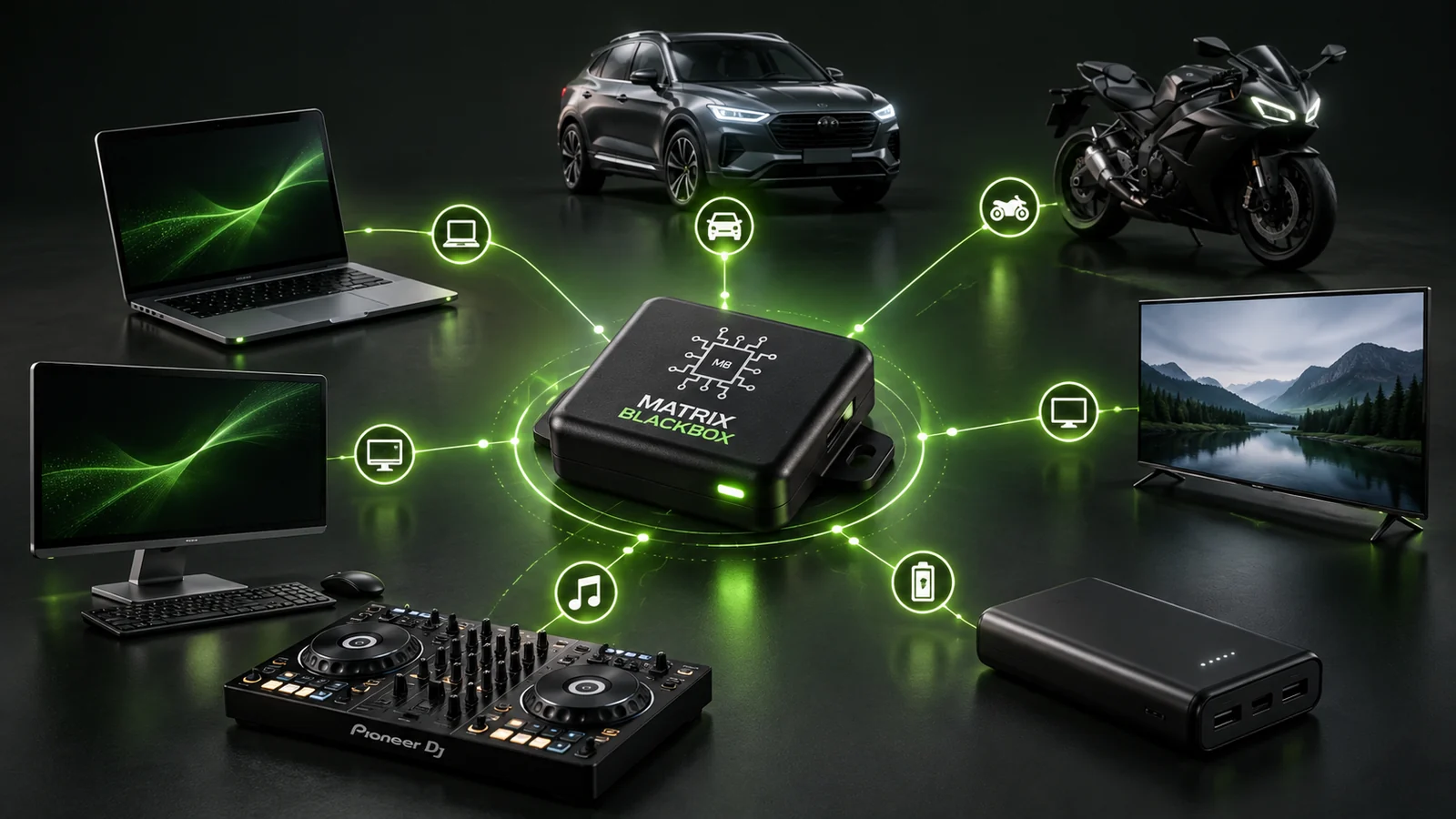
THE SHARED FOUNDATION
Matrix Blackbox
Expand Your Awareness
THE BOARD
A multifunctional hardware foundation.
THE APPLICATION
Laptop, vehicle, equipment and more.
THE CONFIGURATION
Fit, power and accessories for the host.
Hardware-led tracking. Application-specific requirements.
02 / CHOOSE YOUR BLACKBOX
Start with what
you want to track.
Explore the application summaries below. Dedicated product pages are being brought into Vitalog, starting with Laptop Blackbox.
The Matrix
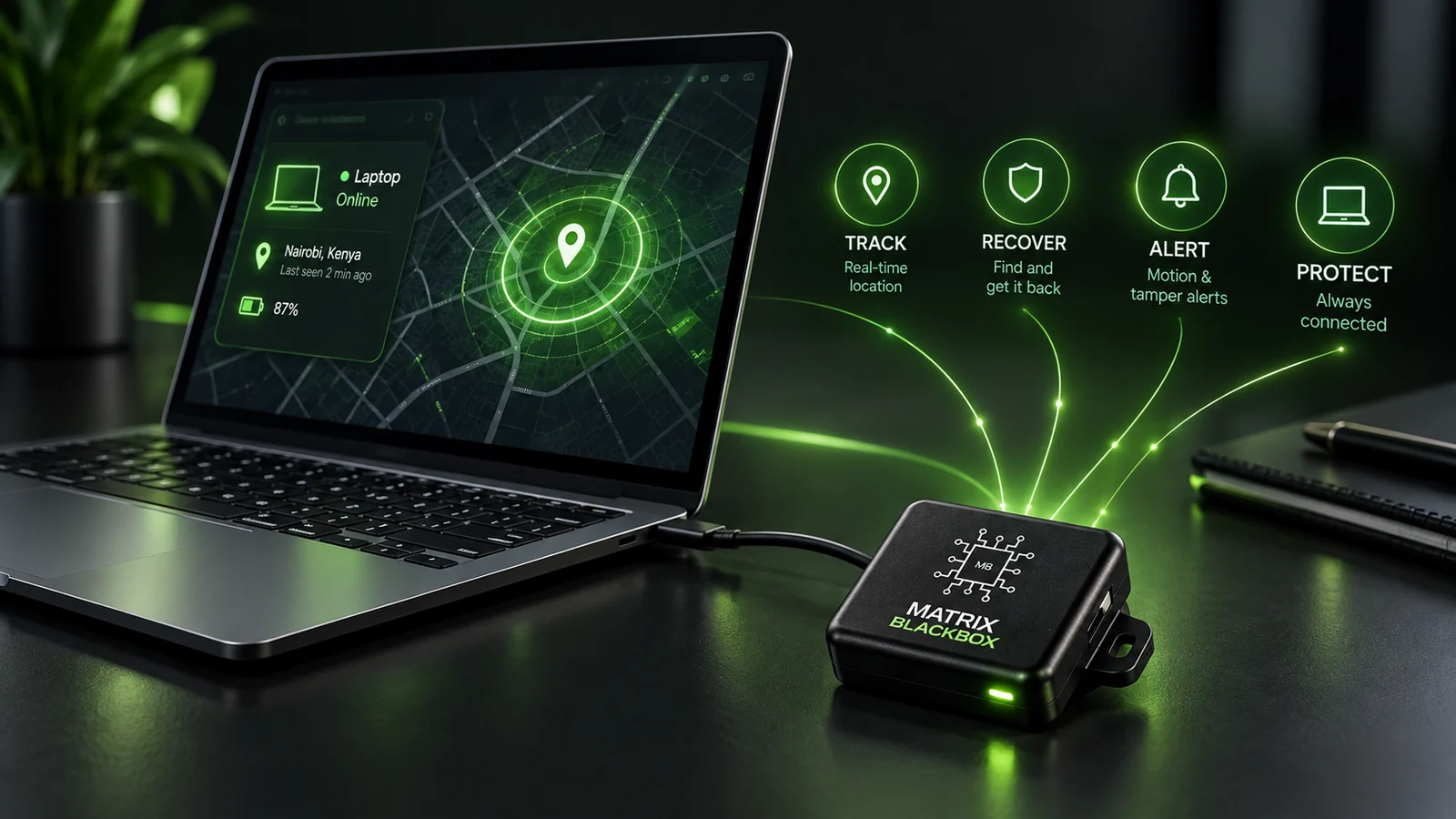
Laptop Blackbox
For tracking a laptop through hardware installed inside a compatible machine.
Application details
Start with the laptop model, available internal space and a suitable power connection. Confirm the supplied kit before arranging installation.
The Matrix
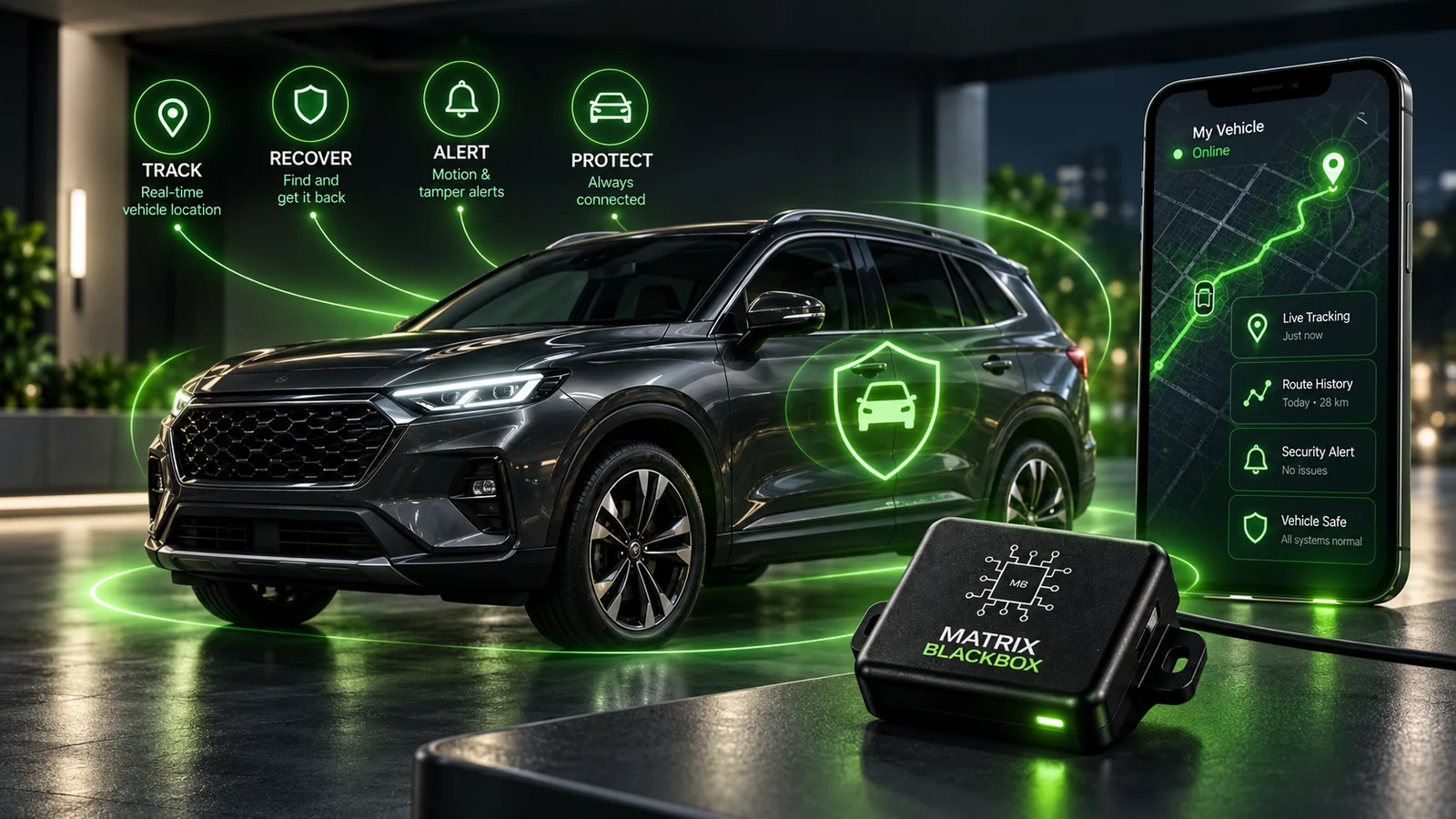
Vehicle Blackbox
For vehicle tracking, with the configuration matched to the vehicle and its installation.
Application details
Review the vehicle type, mounting position, power supply and intended tracking use. Vehicle requirements need their own assessment, separate from the motorbike configuration.
The Matrix
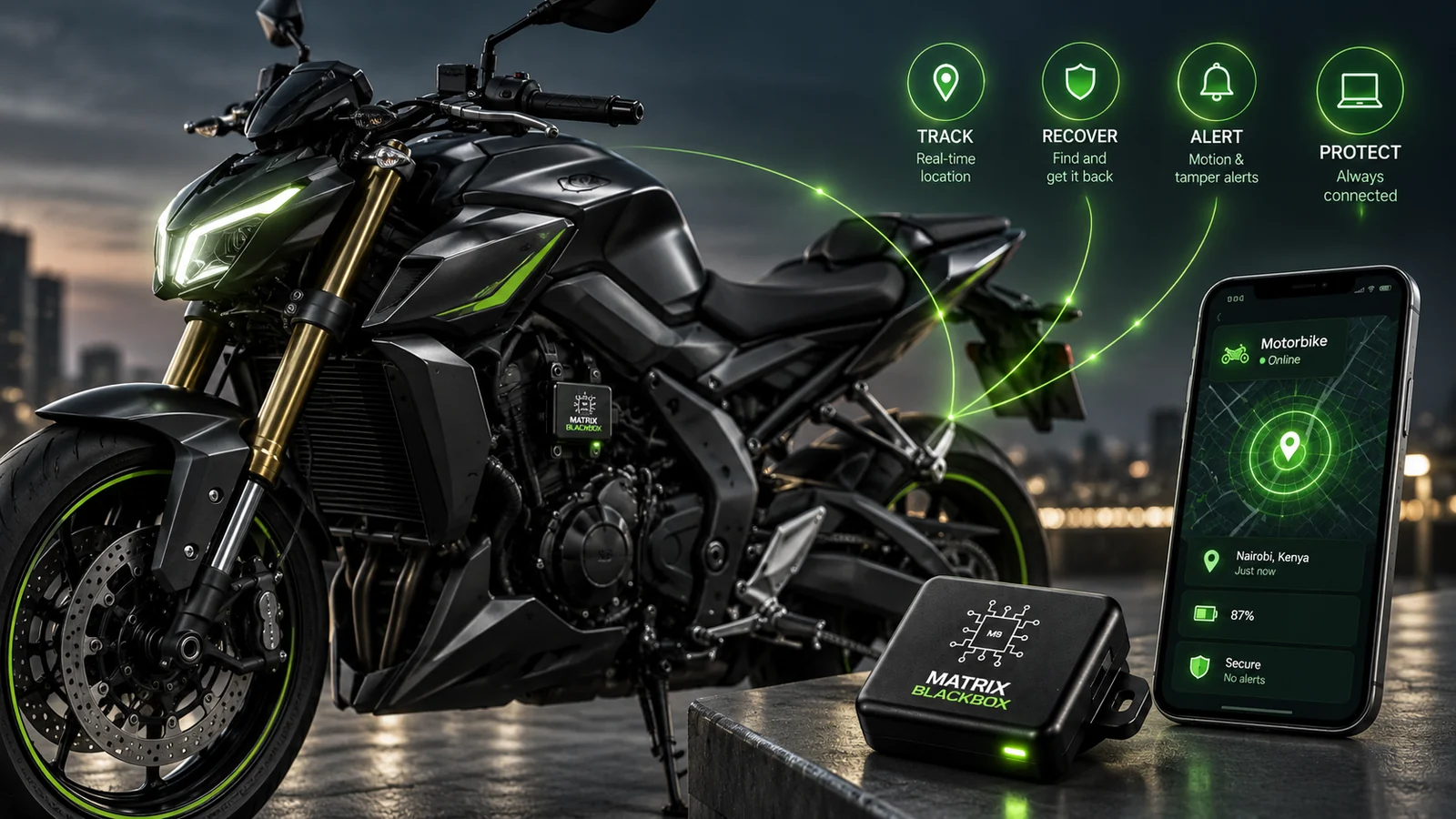
Motorbike Blackbox
A motorcycle-tracking application, with power and mounting considered together.
Application details
Check the motorcycle model, available mounting space, power arrangement and exposure at the installation site before choosing the kit.
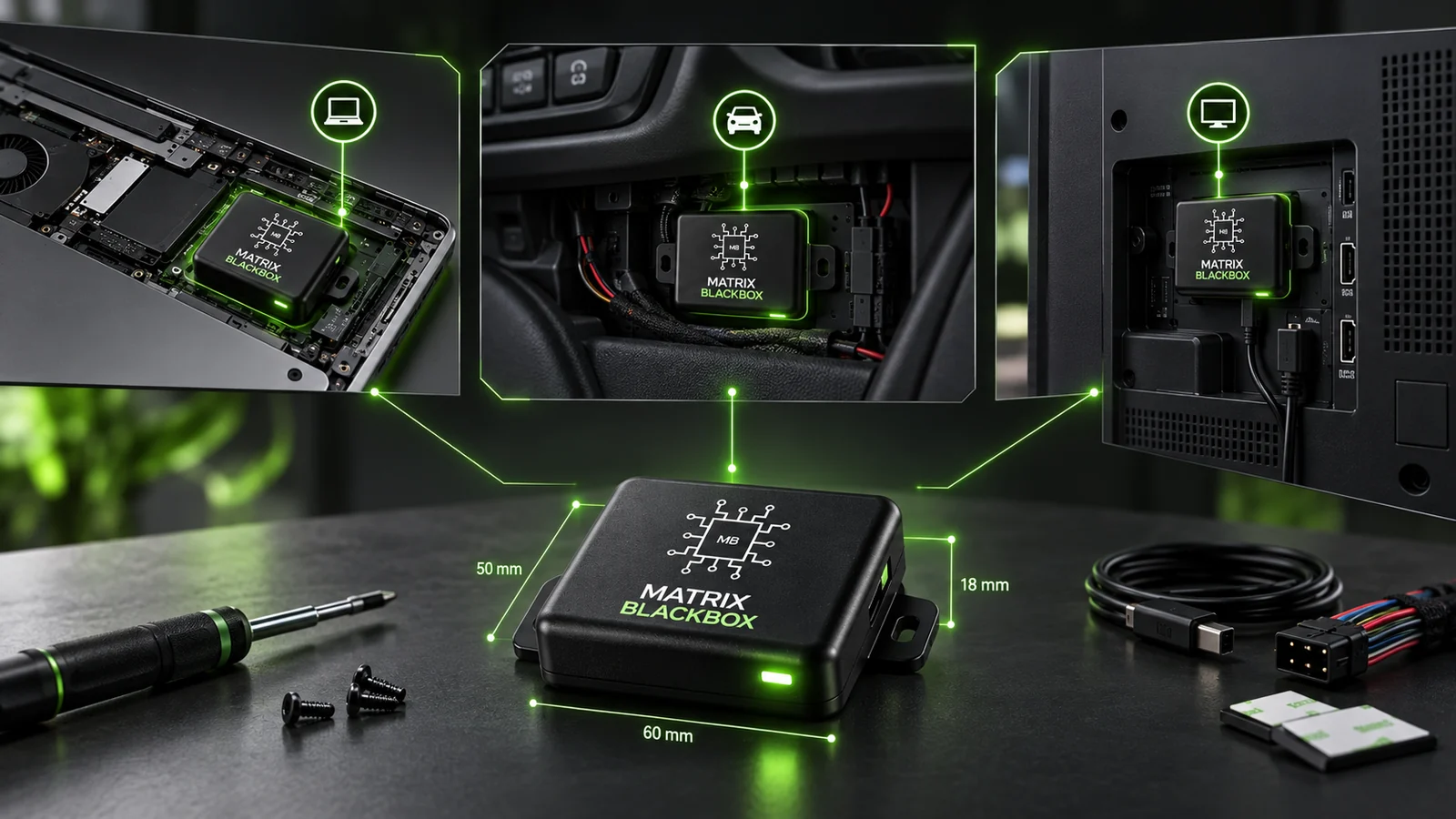
The Matrix
Desktop Blackbox
For tracking a desktop computer through a suitable internal hardware installation.
Application details
Share the computer or chassis model. The board placement, power connection and any backup-power arrangement need to match the host system.
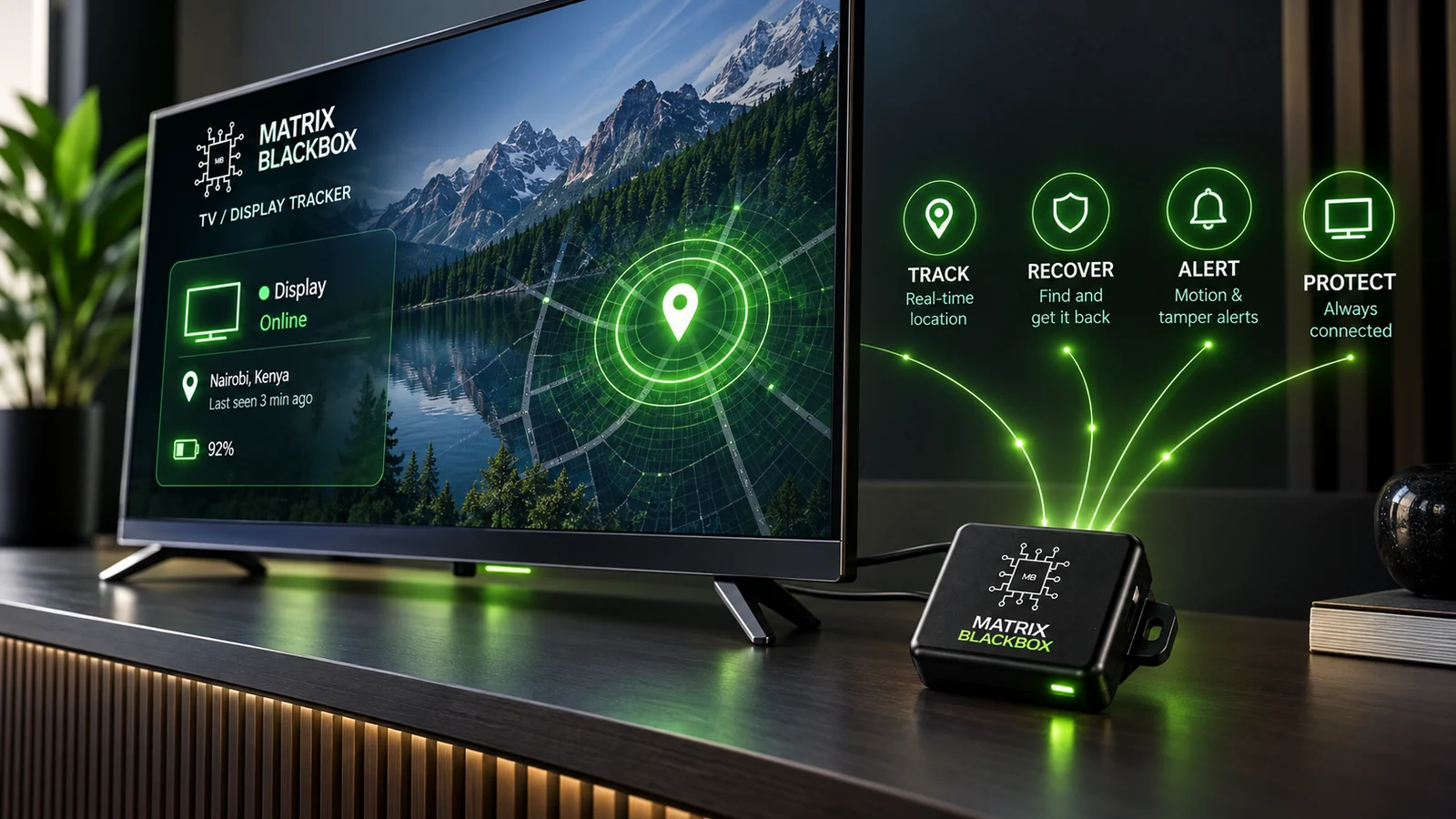
The Matrix
TV / Screen Blackbox
An application for compatible TVs and screens, with the installation matched to the equipment.
Application details
Confirm the screen model, internal clearance and power arrangement. The name describes the application, not compatibility with every TV or display.
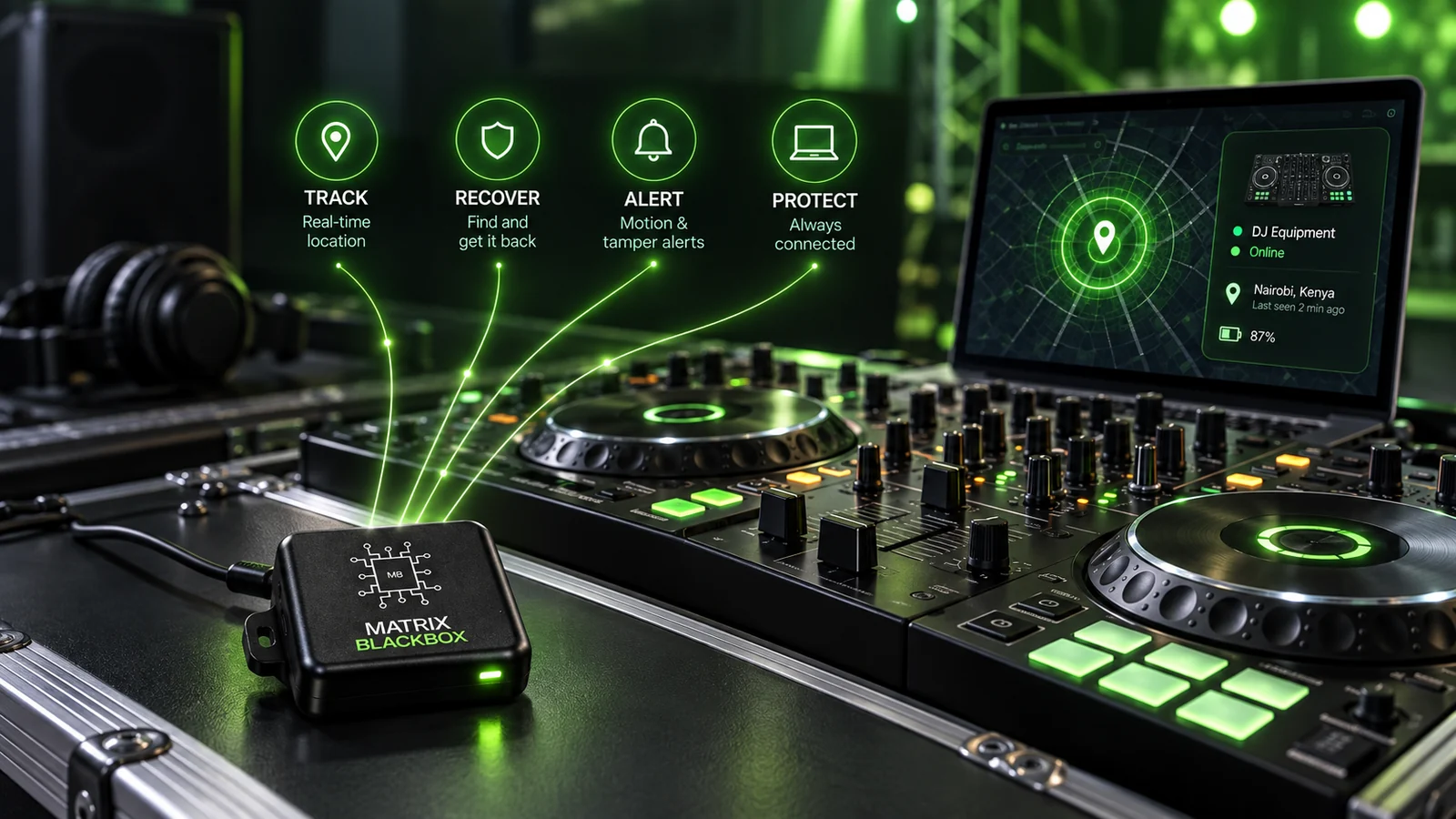
The Matrix
DJ Mixer Blackbox
For keeping track of a DJ mixer, with attention to the host unit and its power arrangement.
Application details
Review the mixer model, installation space and supplied power accessories. Confirm compatibility before planning an internal installation.
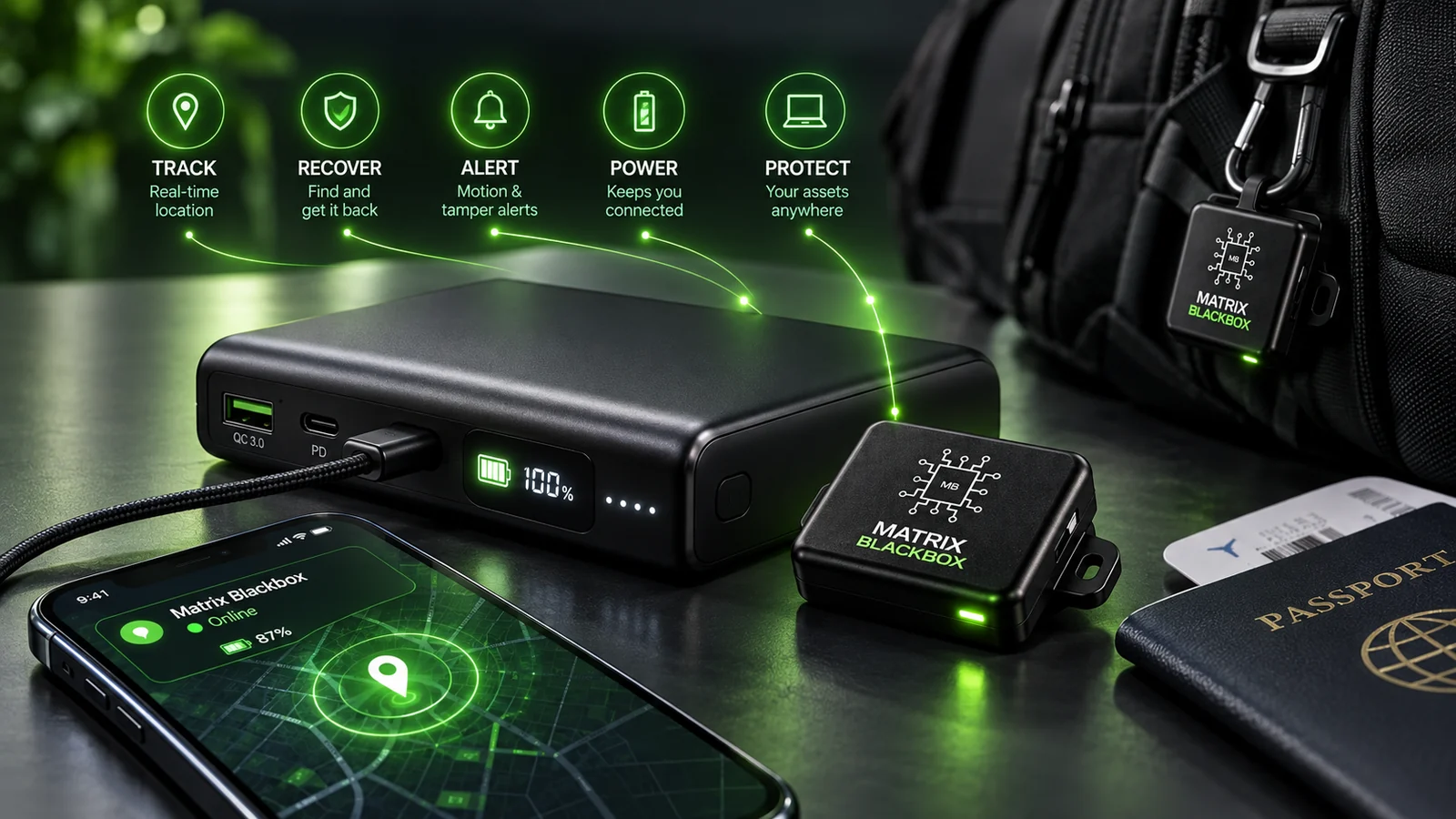
The Matrix
Power Bank Blackbox
A portable configuration associated with bags, backpacks and luggage.
Application details
Earlier product material describes a power-bank configuration. Confirm the current enclosure, included parts, charging arrangement and availability before choosing it.
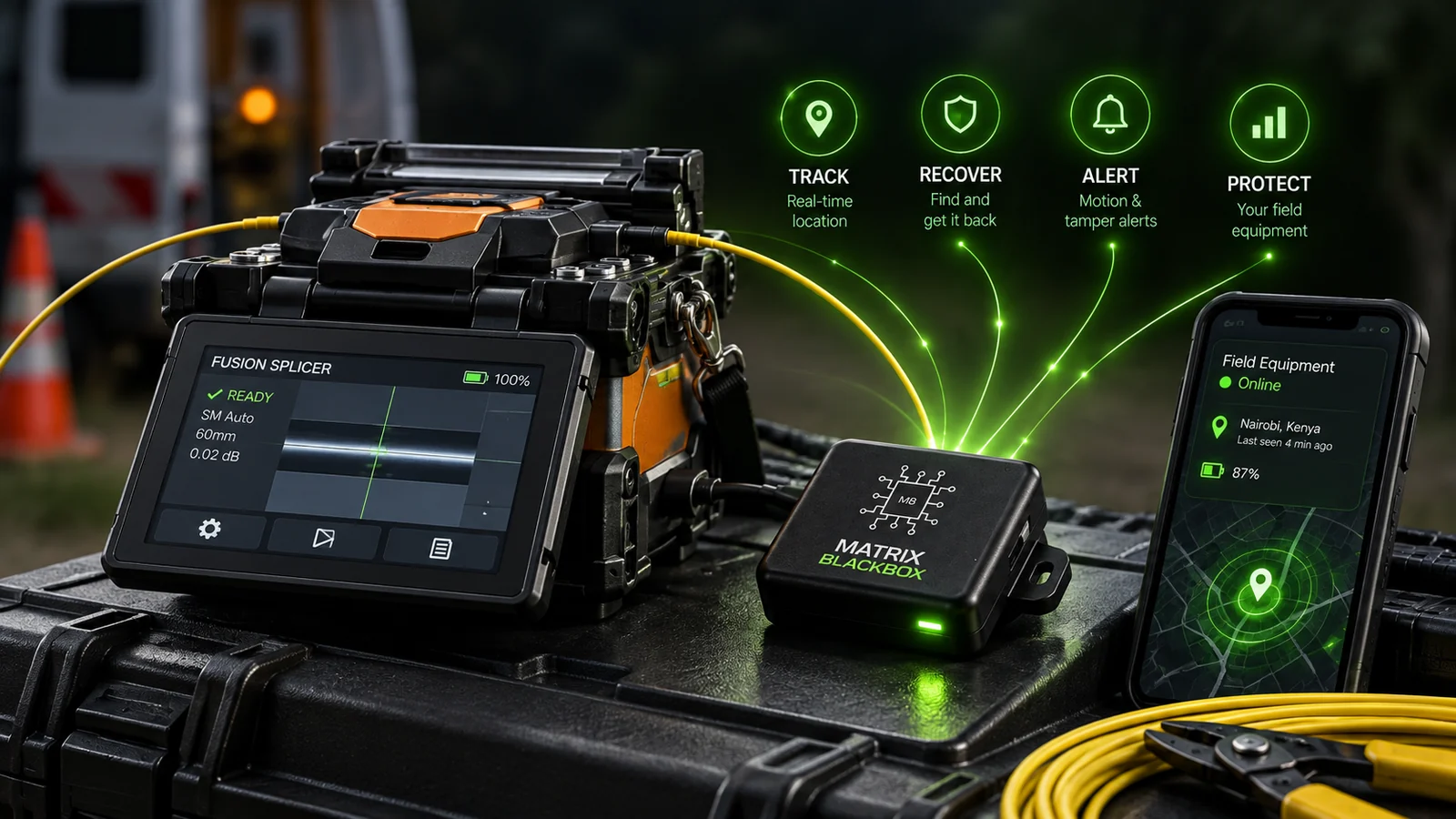
The Matrix
Fusion Splicer Blackbox
Discuss a tracking configuration for specialist field equipment such as a fusion splicer.
Application details
Share the equipment model and intended use. This is an application enquiry; a current standard kit, installation method and ordering option have not yet been confirmed.
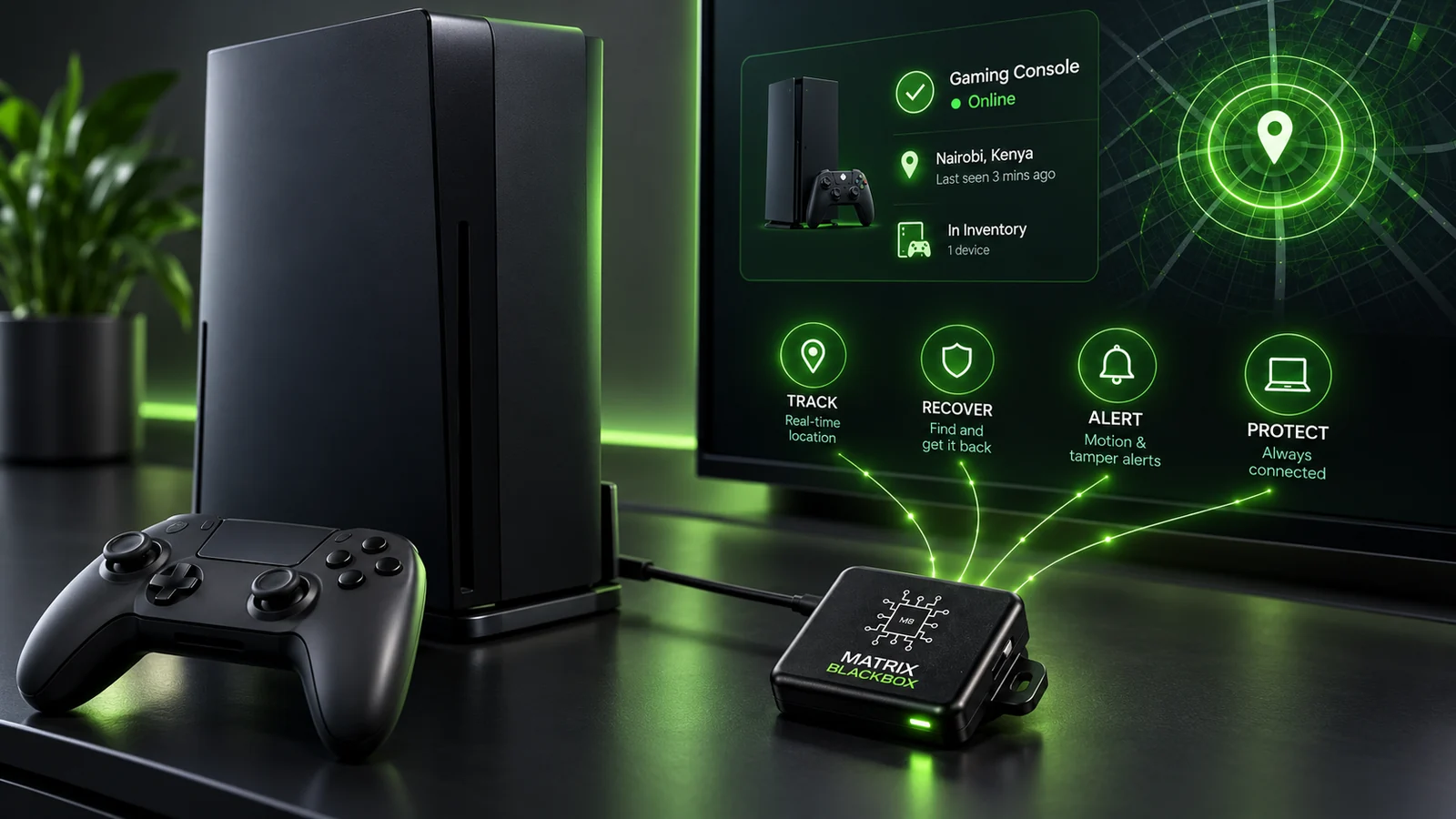
The Matrix
Gaming Console Blackbox
Discuss a tracking configuration for a compatible gaming console.
Application details
Start with the console model and the available installation space. This is an application enquiry, not a confirmed ready-to-order kit or a universal compatibility claim.
Application names describe the intended use. Confirm the current kit, supported functions and availability before ordering.
Need a different configuration?
03 / THE SHARED HARDWARE CORE
Shared technology.
Specific capabilities.
The compact board is the common foundation. Its supported functions, connections and accessories need to be considered at configuration level.
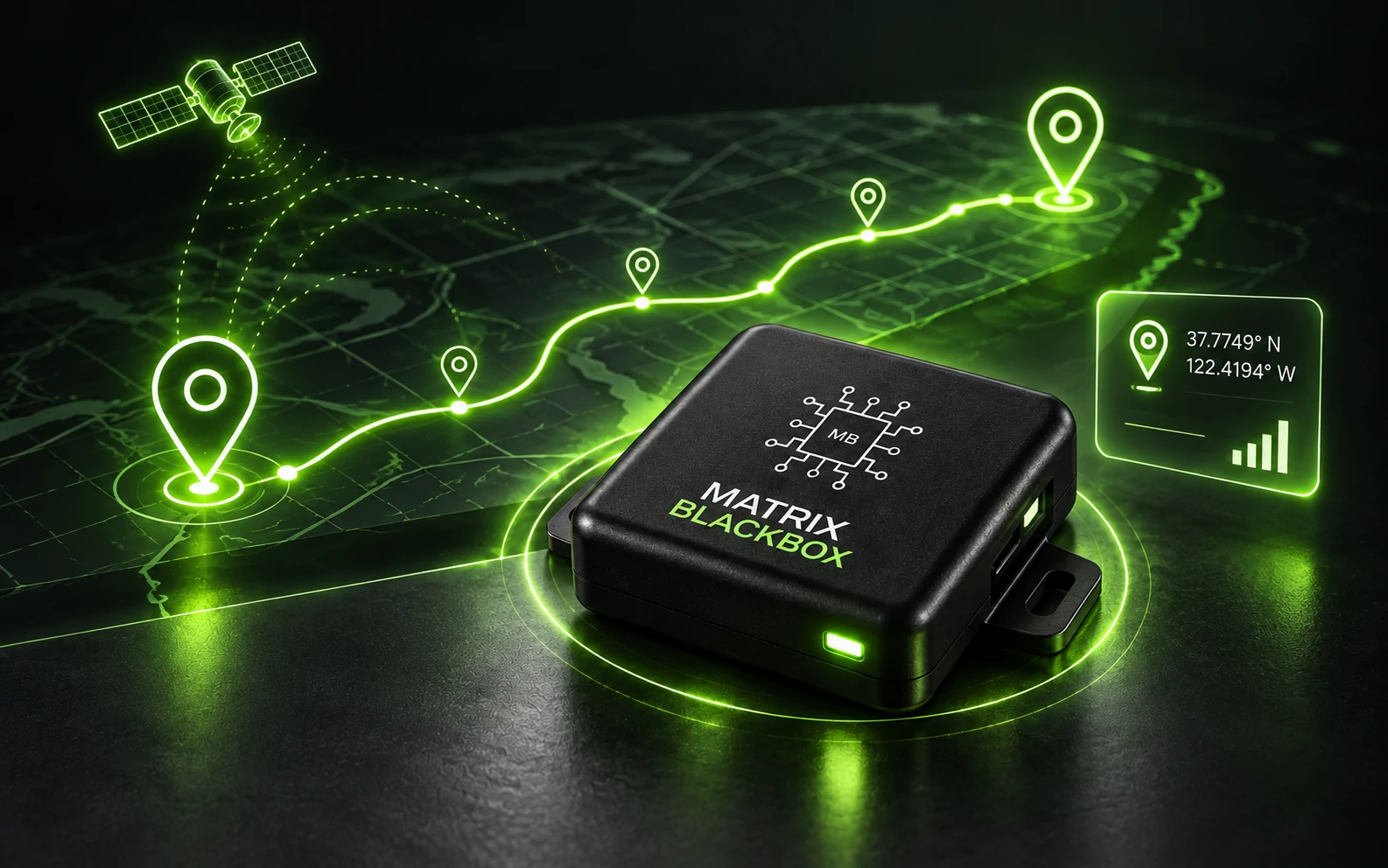
TRACK
Location reporting
Explore the location-reporting functions supported by the selected board, network and tracking service.
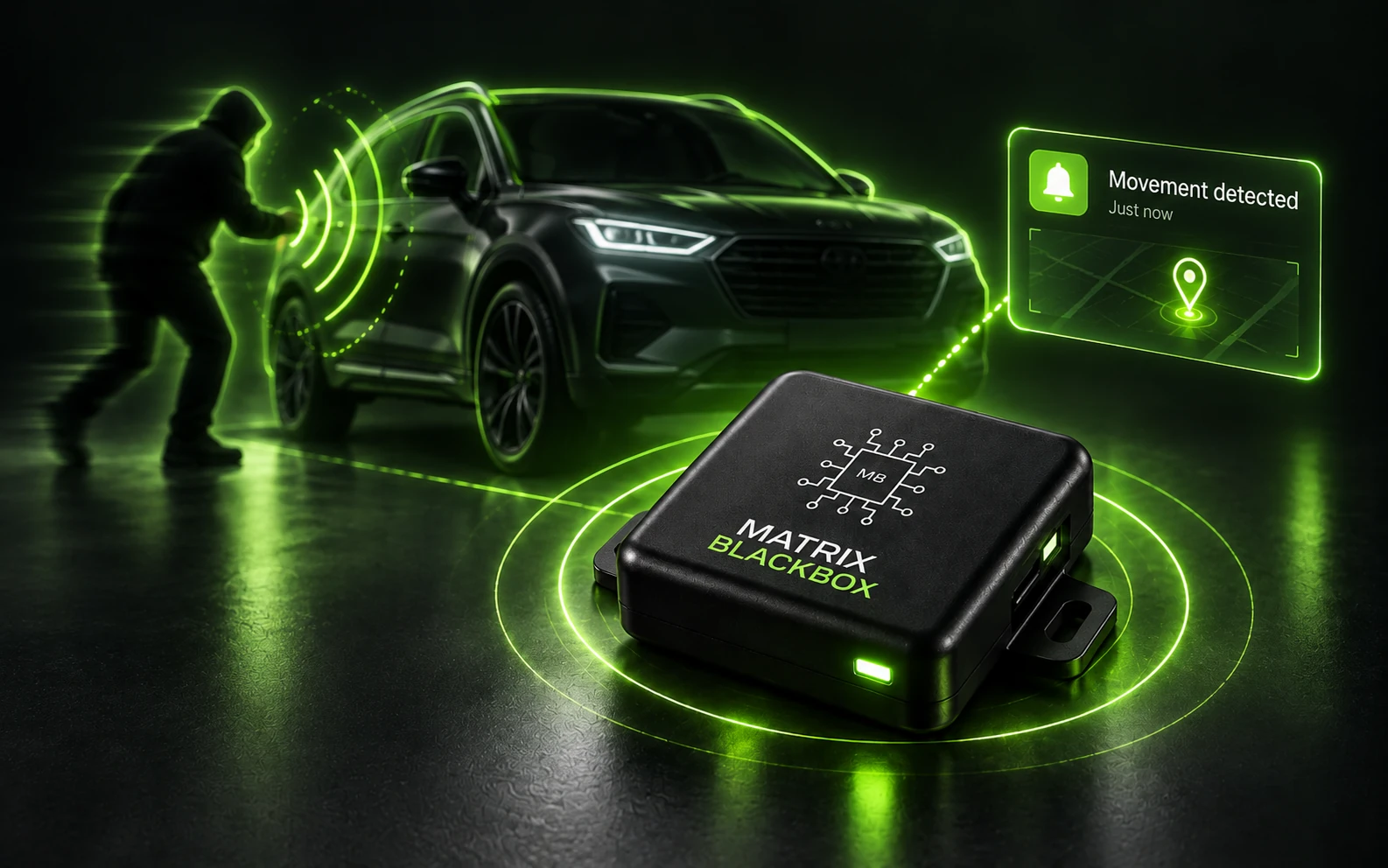
ALERT
Movement notifications
Check how movement alerts, status notifications and trigger conditions are delivered for the configuration you choose.
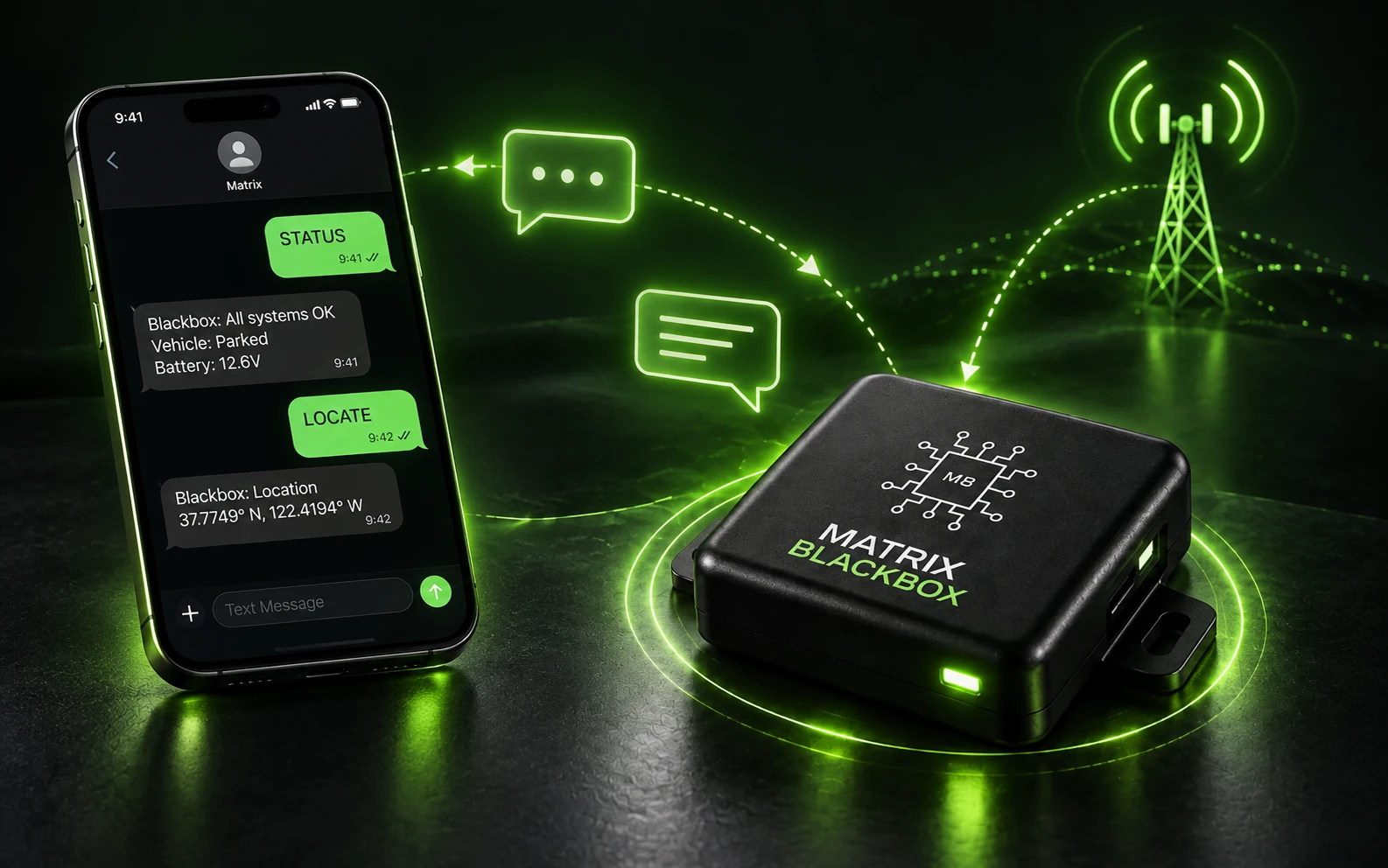
CONNECT
SMS interaction
Where supported, message-based commands provide a practical way to interact with the hardware through a compatible SIM and network.
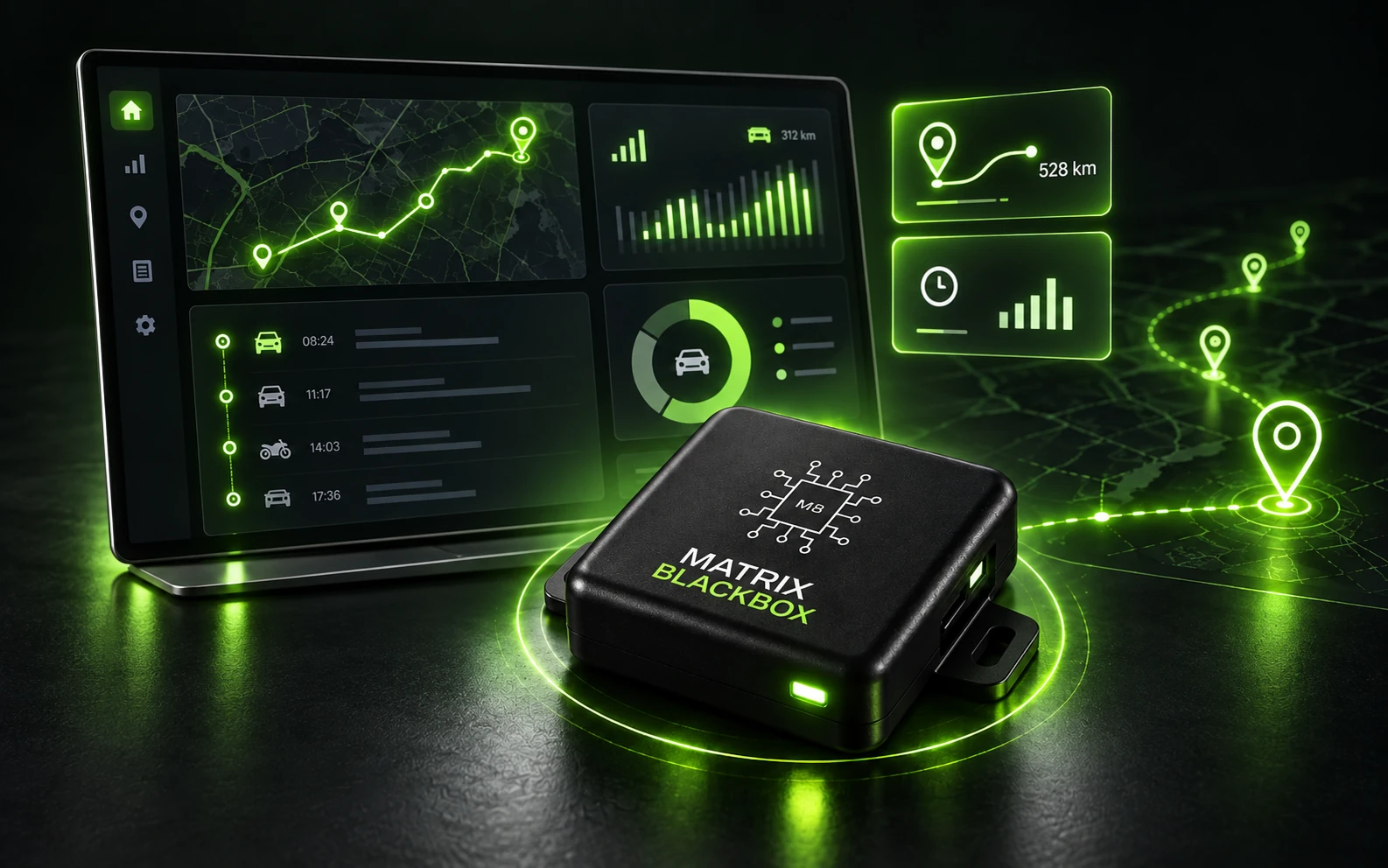
REVIEW
Reports & tracking tools
Confirm the reporting dashboards, telematics tools or portal services available for your device, including any separate service charges.
CONFIGURATION MATTERS
Earlier Matrix Blackbox product information describes these tracking capabilities and Wi-Fi functions. The current board, firmware and service determine what is supported; confirm the feature set for the kit you choose.
04 / FIT & INSTALLATION
The right fit
comes first.
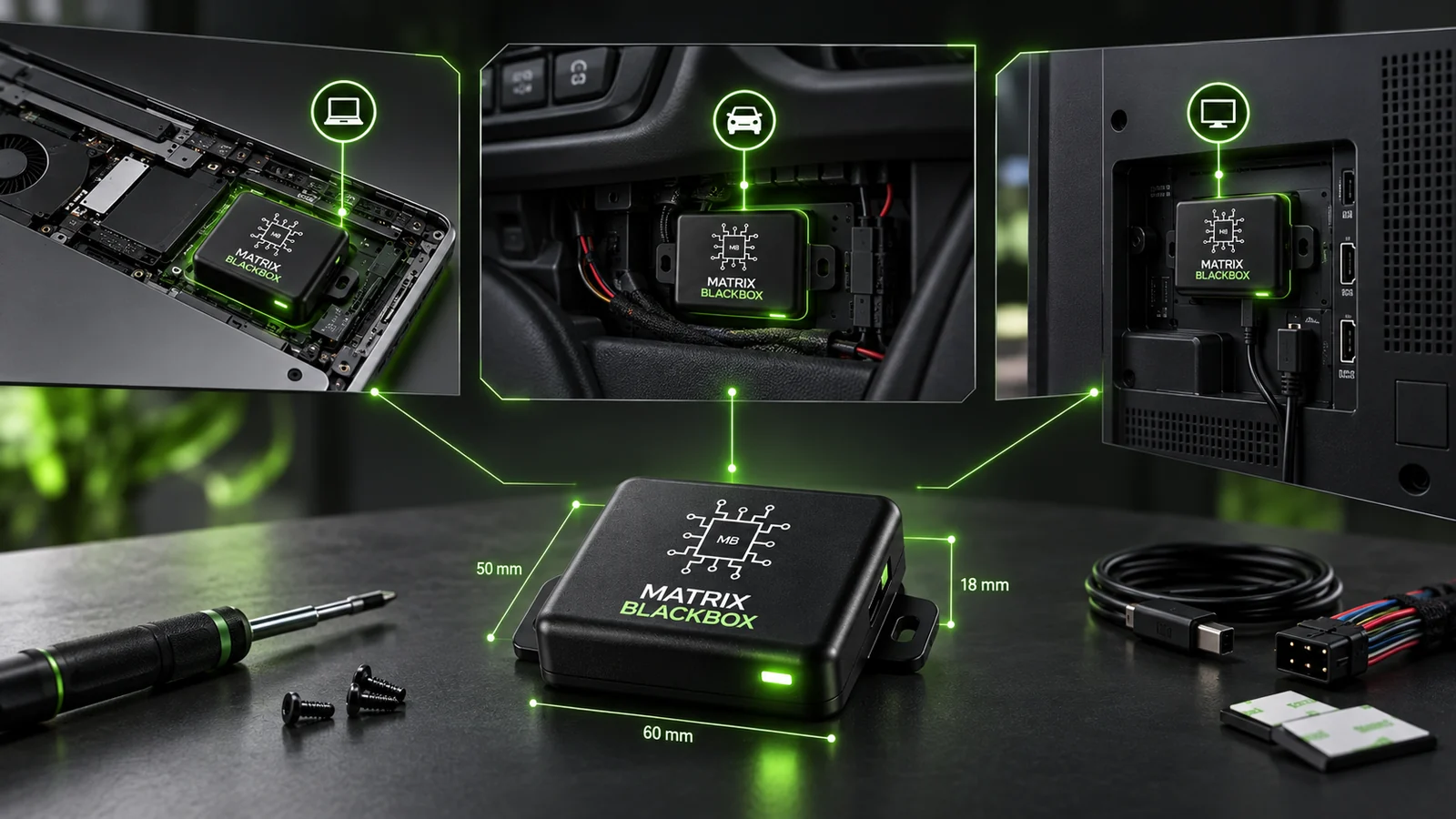
01
Space & installation
Check the host model, internal clearance and installation position. A small board does not make every electronic system compatible.
02
Power & accessories
Match the board to a suitable power arrangement. Connectors, converters, batteries and other included parts must be confirmed for the specific kit.
03
Connectivity & environment
Review the country and network of use, antenna placement and installation conditions. Coverage and supported services depend on the configuration.
Share the device model, intended use and country of use to start a compatibility enquiry.
05 / CUSTOM USES & THE WIDER SYSTEM
A hardware foundation
for more.
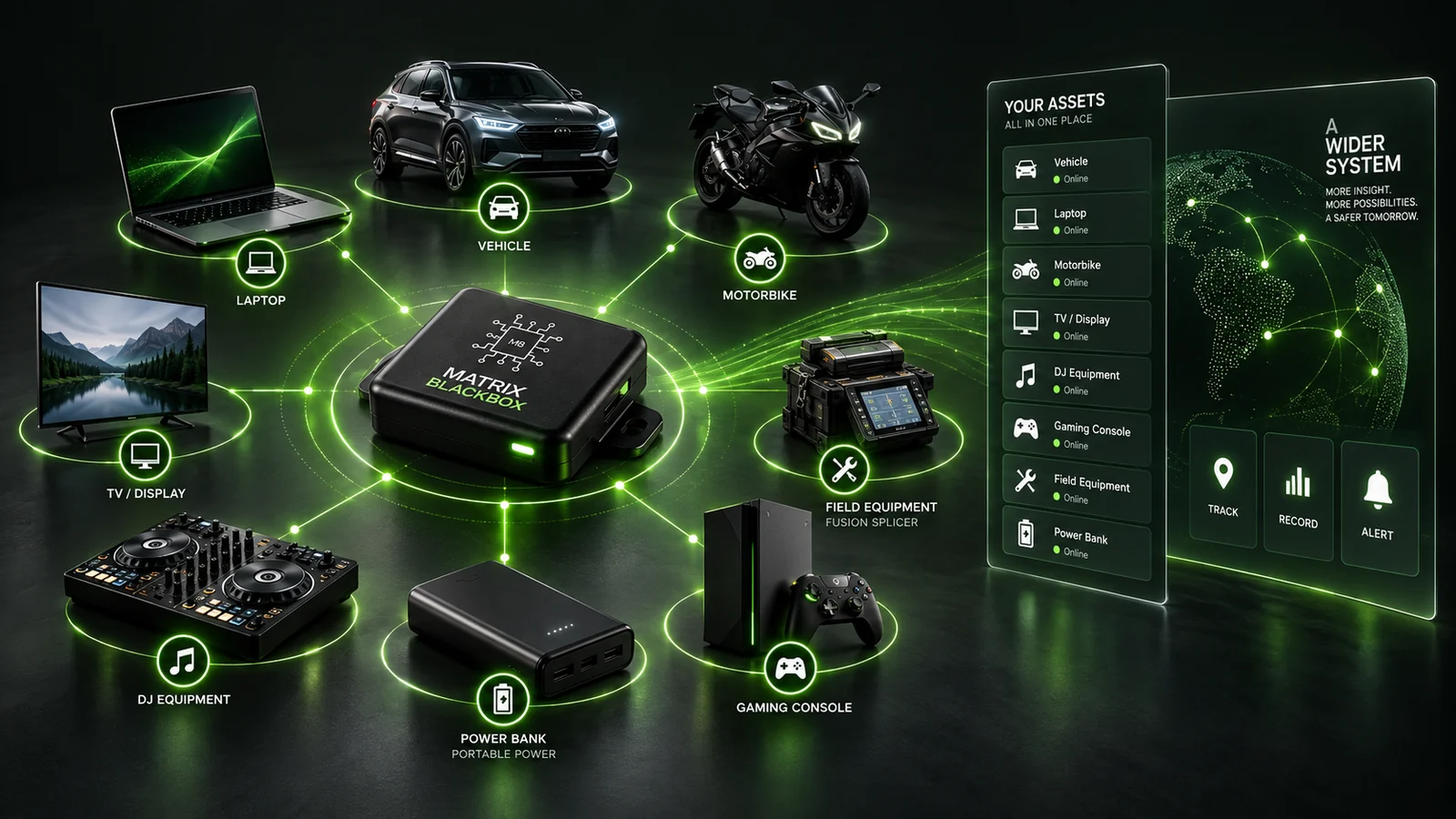
CUSTOM INTEGRATIONS / BULK ENQUIRIES
A different application?
Tell us about the equipment, required functions and installation constraints. Custom integrations and bulk enquiries begin with a configuration review.
PLANNED CONNECTION / NOT XB V1
From hardware
to context.
Matrix Blackbox is the sensing layer in the wider Vitalog system. The planned connection to XB Lifelog would allow physical observations to become part of an organised record.
XB Lifelog V1 starts with Android-based financial recording. Hardware integration, environmental sensing and biometric inputs remain later development directions, not features offered here.
06 / RESOURCES & SUPPORT
Before you install.
After you buy.
Start with the guidance for your specific application. Hardware support and ordering enquiries stay separate from XB Lifelog development contributions.
01 / INSTALL
Installation guidance
Request the installation and command guidance that matches your device and hardware version.
02 / ORDER
Ordering & kit details
Confirm included parts, availability, shipping and the applicable warranty and return terms before ordering.
03 / SUPPORT
Existing device support
Already using a Blackbox? Ask for help with your device or existing tracking account.
07 / QUESTIONS & NEXT STEPS
Know what to check.
Choose with clarity.
What is Matrix Blackbox?
Matrix Blackbox is a multifunctional IoT board for compatible electronic systems. Its application-led configurations are intended to support tracking of laptops, vehicles and other physical assets.
Why are there different Blackbox names?
The name follows where the board is used. A laptop application is called The Matrix Laptop Blackbox; a vehicle application is called The Matrix Vehicle Blackbox. The kit and installation requirements can differ even when the board shares a common foundation.
Will it fit any electronic device?
No universal compatibility is claimed. Internal space, power, installation conditions and the supported functions need to be checked against the host equipment.
Do I need a SIM or a subscription?
Earlier published configurations use cellular communication and a SIM. Confirm supported networks, carrier usage costs and any optional tracking-service charges for the current kit. Those costs are separate from the hardware price.
Will it work when the host is switched off?
That depends on the installed power arrangement and any backup supply. Confirm off-state operation and runtime for the selected configuration; there is no single runtime promised across the range.
Can I purchase through this page now?
Application-specific product and purchase pages are being prepared within Vitalog. This catalogue does not yet provide checkout. Contact us to confirm the configuration and ordering details; verified PayPal options will be added to the relevant product pages.
Is Matrix Blackbox already integrated with XB Lifelog?
The integration is a planned direction. XB Lifelog V1 starts with Android-based financial recording; the broader hardware-to-record connection is a later phase.
YOUR NEXT STEP
Find your
Matrix Blackbox.
Choose an application or ask us to review the fit. The right configuration starts with the equipment you want to track.